
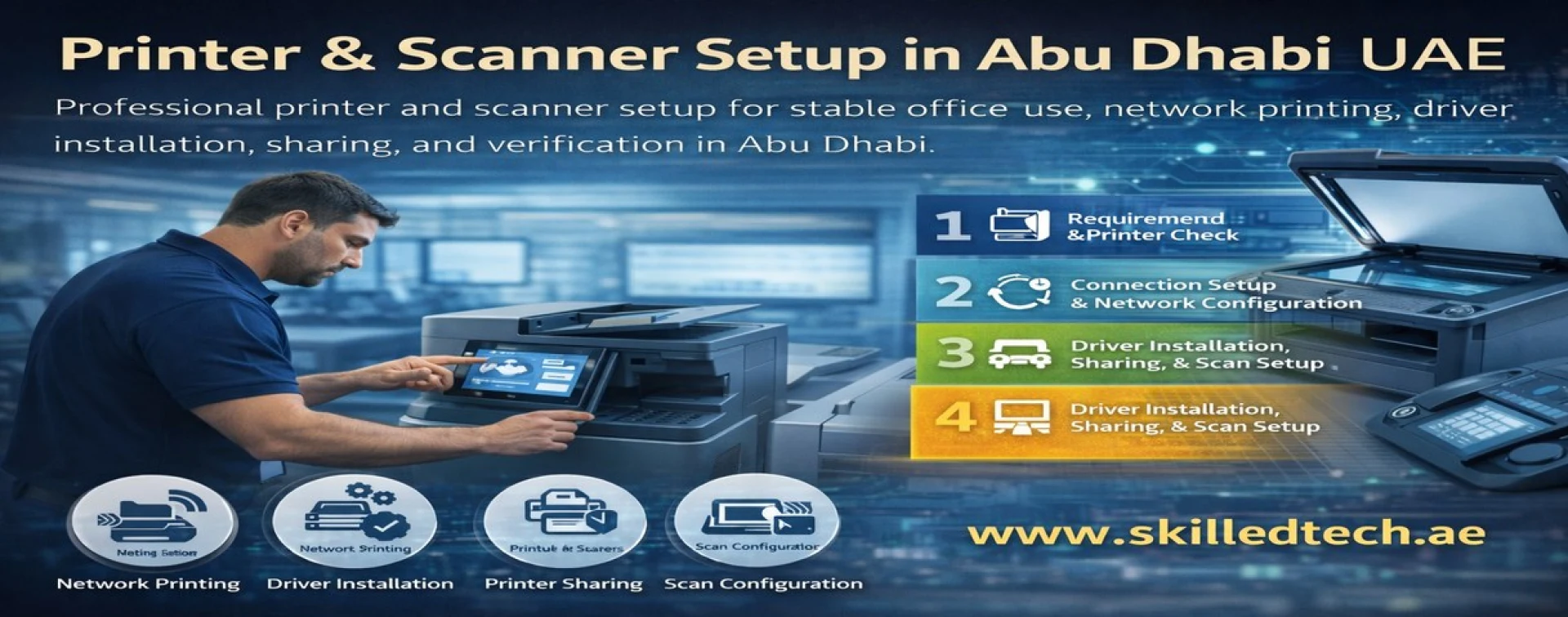
Printer & Scanner Setup in Abu Dhabi
Office printing problems waste time every day: printers disconnect, printing works on one PC only, scan-to-email fails, or users cannot find the correct device. Skilled Tech Solutions provides Printer & Scanner Setup in Abu Dhabi to deliver stable printing and scanning for businesses with proper configuration, correct drivers, clean sharing, and real testing. This service is ideal for new offices, device replacements, office expansions, and companies that want reliable printing without repeated support issues.
Our goal is simple: make printing and scanning work smoothly for all required users inside Abu Dhabi.
What Printer & Scanner Setup Means
Printer & Scanner Setup is the professional configuration of printing and scanning, so the device works reliably in a business environment. It typically includes correct connection setup (USB or network), driver installation, printer sharing, permissions guidance, scan configuration, and testing. Proper setup prevents common problems such as printing queue errors, driver conflicts, frequent disconnections, and inconsistent access between employees.
Why Businesses in Abu Dhabi Need Professional Printer Setup
Many offices struggle because printers are installed quickly without standard settings, correct drivers, or proper sharing. Professional setup helps you achieve:
• Stable printing for multiple users and departments
• Fewer disconnections and fewer repeated printing complaints
• Correct drivers and consistent printing settings across devices
• Reliable scanning setup for daily workflow
• Faster troubleshooting in the future due to a clean configuration
Common Printer Problems We Fix
• Printer works on one computer only
• Frequent disconnects from network printers
• Wrong drivers causing errors or missing print options
• Printing queue stuck or documents not printing
• Slow printing or unstable connection
• Scanner not detected or scan function not working
• Scan-to-email or scan-to-folder not configured correctly (when required)
What’s Included in Our Printer & Scanner Setup Service
Requirements Review and Device Check
• Confirm printing needs, departments, and number of users
• Verify printer/scanner model, connection type, and network readiness
• Identify the best setup approach for stable office use
Connection Setup (USB or Network)
• Configure USB printing properly when required
• Configure network printing (IP setup) for stable office access
• Verify connectivity and device availability on the network
Driver Installation and Correct Configuration
• Install the correct drivers for stable printing and full features
• Apply standard settings to reduce errors and repeated issues
• Confirm compatibility with office computers and operating environment
Printer Sharing and Office Access Setup
• Configure shared printing so authorized users can print reliably
• Guidance for access and basic permissions setup (as required)
• Reduce “works on one PC only” problems through proper sharing
Scanner Setup and Basic Scan Configuration
• Configure scanning function and confirm detection
• Setup scan profiles based on business needs (when applicable)
• Verify scan quality and stable workflow
Testing and Verification
• Print test from multiple computers (as required)
• Scan test verification based on the business workflow
• Confirm stable daily usage and provide quick user guidance
Printer & Scanner Setup Process (Step-by-Step)
Step 1 — Requirements Review and Printer Check
We confirm your printing and scanning requirements and check device readiness.
Step 2 — Connection Setup and Network Configuration
We configure USB or network connectivity and ensure stable device access.
Step 3 — Driver Installation, Sharing, and Scan Setup
We install the correct drivers, configure sharing, and prepare scanning features.
Step 4 — Testing, User Verification, and Handover
We test printing and scanning, confirm user success, and provide handover guidance.
H2: Service Coverage in Abu Dhabi
We operate only within Abu Dhabi Emirate. Setup and support are provided inside Abu Dhabi based on the scope and scheduling.
FAQs — Printer & Scanner Setup Abu Dhabi
Can you configure a shared network printer for multiple users?
Yes. We set up shared printing properly and verified printing from multiple computers as required.
Can you fix “printer works only on one PC”?
Yes. This is usually caused by incorrect sharing, wrong drivers, or unstable connection settings. We correct the setup and verify.
Do you also configure scanning?
Yes. We configure scanning and verify it works reliably based on the required workflow.
Get Printer & Scanner Setup in Abu Dhabi
If your office needs reliable printing and scanning without repeated issues, contact Skilled Tech Solutions. We provide Printer & Scanner Setup in Abu Dhabi with correct configuration, full testing, and a clean handover for stable daily operations.