
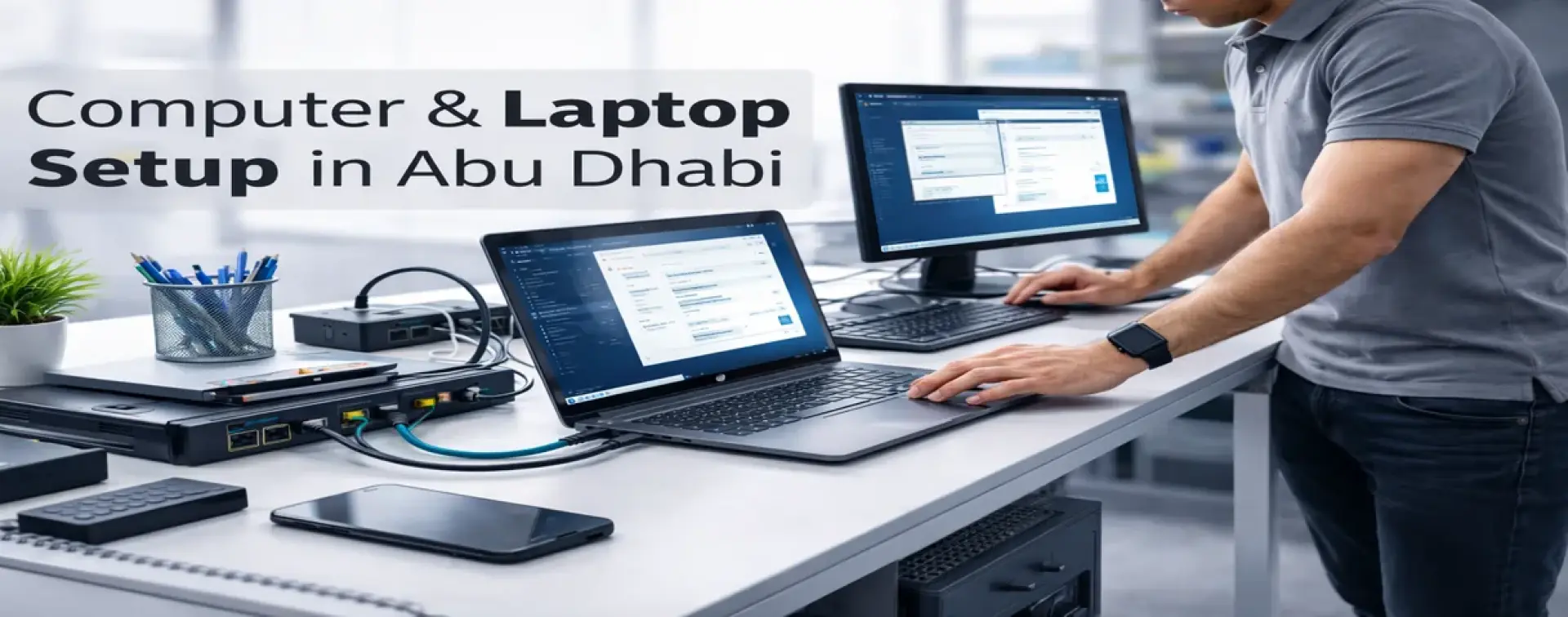
Computer and Laptop Setup in Abu Dhabi
A new computer that is “turned on” is not the same as a business-ready workstation. Offices need a correct setup for email, security, software, printers, Wi-Fi access, shared files, and stable performance. Skilled Tech Solutions provides Computer & Laptop Setup in Abu Dhabi to prepare PCs and laptops for daily work using a structured configuration checklist, clean handover, and full testing.
This service is ideal for new staff onboarding, replacing old devices, opening a new office, or fixing messy workstation setups that cause slow performance and repeated user complaints.
What “Business-Ready Setup” Means
A professional workstation setup ensures the device is configured for productivity and security—not only basic usage. It includes correct user access, standard business applications, safe settings, updates, and verified connectivity to office resources like printers, Wi-Fi, and shared folders.
Instead of random installs, we follow a consistent setup process that reduces future issues and helps employees start working immediately.
Who This Service Is For (Businesses in Abu Dhabi)
• New employees who need a ready laptop/PC on day one
• Offices upgrading computers or moving to new devices
• Reception/admin desks that require printers and email stability
• Teams using Microsoft 365, cloud apps, ERP/CRM, shared printers
• Businesses that want standardized configurations (easier support, fewer issues)
Why Offices in Abu Dhabi Need Proper PC & Laptop Setup
Many common office problems start from an incomplete setup:
• Email is not configured correctly or keeps disconnecting
• Printers work on one PC only
• Users cannot access shared folders or business apps
• Devices are slow due to bad startup apps and update issues
• Security is weak (no proper accounts, updates, or protection)
A professional setup helps you achieve:
• Faster onboarding and fewer user complaints
• Stable performance for daily work
• Correct access to printers, Wi-Fi, shared resources, and email
• Better security posture for office devices
• A cleaner, standardized environment that is easier to support later
Common Setup Requests We Handle
New Device Setup (Windows / macOS)
• Preparing laptops and desktops for business use
• Creating proper user accounts and access basics
• Applying essential updates and best-practice configuration
Microsoft 365 / Business Email Setup
• Outlook setup and mailbox access
• Correct sign-in, sync, and stability checks
• Common email troubleshooting after setup
Office Apps and Business Tools
• Installing and configuring required business software (as provided/approved)
• Browser, PDF tools, and standard productivity utilities
• Basic performance optimization for stability
Printer & Scanner Connection (User Side)
• Installing drivers and resolving printing queue errors
• Connecting to shared printers and testing printing/scanning
• Fixing “works on one PC only” issues (workstation-side setup)
Network and Wi-Fi Access
• Connecting to office Wi-Fi and verifying stable access
• Access to shared folders and network resources (where available)
• Basic connectivity checks that impact cloud apps, printing, and email
If the issue requires network redesign, access point relocation, cabling work, switch/VLAN configuration, or rack troubleshooting, we escalate to the relevant on-site network service inside Abu Dhabi.
What’s Included in Our Computer & Laptop Setup Service
Device Assessment and Setup Plan
We start with a quick check:
• Device type and role (office user, admin, manager, POS, etc.)
• Required apps and accounts
• Network environment (Wi-Fi, printers, shared resources)
• Any urgent business requirements and priorities
Secure Workstation Configuration (Business Basics)
• Operating system updates and essential system configuration
• User account setup (work/staff accounts) and access basics
• Security hardening basics to reduce risk and downtime
• Clean startup and stability tuning (reduce slow boot and freezes)
Software Installation and Configuration
• Email setup and stability checks (Microsoft 365 / business email)
• Required business applications (as provided/approved by the client)
• Standard productivity setup for smooth daily use
Office Resource Access Setup
We ensure the workstation connects properly to:
• Printers and scanners (setup + tests)
• Wi-Fi and network access (verification)
• Shared folders and business services (where applicable)
Backups and Data Transfer (When Requested)
If you are replacing an old device:
• Safe file transfer of important user data (Documents/Desktop)
• Basic backup guidance (OneDrive/approved method)
• Verification that essential files are accessible on the new device
Testing and Handover Checklist
Before handover, we verify:
• Login works correctly, and the user can access email
• Printing test is completed successfully
• Connectivity is stable for daily use (Wi-Fi/network)
• Required applications open and work normally
• Basic guidance is provided to avoid repeated issues
What We Need From You (To Finish Faster)
• Device count (how many PCs/laptops) and user roles
• Email type (Microsoft 365 / business email) and user list
• Wi-Fi name/password or network access method
• Printer model or shared printer name (if available)
• List of required software (approved business apps)
• Any special requirements (shared folders, ERP/CRM access, VPN, etc.)
Computer & Laptop Setup Process (Step-by-Step)
Step 1 — Requirements Check & Device Assessment
We confirm what the user needs, which apps are required, and what office resources must be connected.
Step 2 — Secure Workstation Setup & Configuration
We configure the device for business use with essential updates and best-practice settings.
Step 3 — Email, Apps, Printers & Network Access
We set up email, install required apps, connect printers, and verify Wi-Fi/network access.
Step 4 — Testing, Handover & Best-Practice Guidance
We test everything with the user and provide practical guidance to reduce repeated issues and downtime.
Deliverables (What You Receive)
• Business-ready workstation configuration
• Email configured and tested (as applicable)
• Required business apps installed/configured (as provided/approved)
• Printer/scanner connection tested (as applicable)
• Network/Wi-Fi access verified
• Basic performance and stability optimization
• Clean handover checklist and quick user guidance
Service Coverage in Abu Dhabi
We provide this service for businesses inside Abu Dhabi Emirate. If on-site work is required, it is scheduled within Abu Dhabi.
FAQs — Computer & Laptop Setup Abu Dhabi
Is this service for businesses only?
It is designed for offices and business environments where email, printers, and stable operations are required.
Can you set up Microsoft 365 email and Outlook?
Yes. We configure email access, sign-in, sync, and stability checks after setup.
Do you connect printers and shared office resources?
Yes. We set up printers/scanners and perform printing tests. Shared resource access is configured where available.
Can you move data from an old laptop to a new laptop?
Yes, when requested. We transfer essential user files and verify access after migration.
How many computers can you set up in one visit?
It depends on the requirements and the software list. We can plan a batch setup for multiple devices for faster office readiness.
Do you install any software that the customer requests?
We install and configure business-required software that the customer provides or approves (licensed/legitimate applications only).
What if the issue is actually network or cabling related?
If the root cause needs cabling checks, access point changes, switch/VLAN changes, or rack troubleshooting, we escalate to the correct on-site network service inside Abu Dhabi.
Is a remote setup possible?
Some parts can be remote depending on access and requirements, but device preparation and office resource testing are best done on-site when needed.
Get Computer & Laptop Setup in Abu Dhabi
If you want business-ready computers that work correctly from day one, contact Skilled Tech Solutions. We provide Computer & Laptop Setup in Abu Dhabi with secure configuration, correct office access, and full testing to keep daily operations stable and productive.