
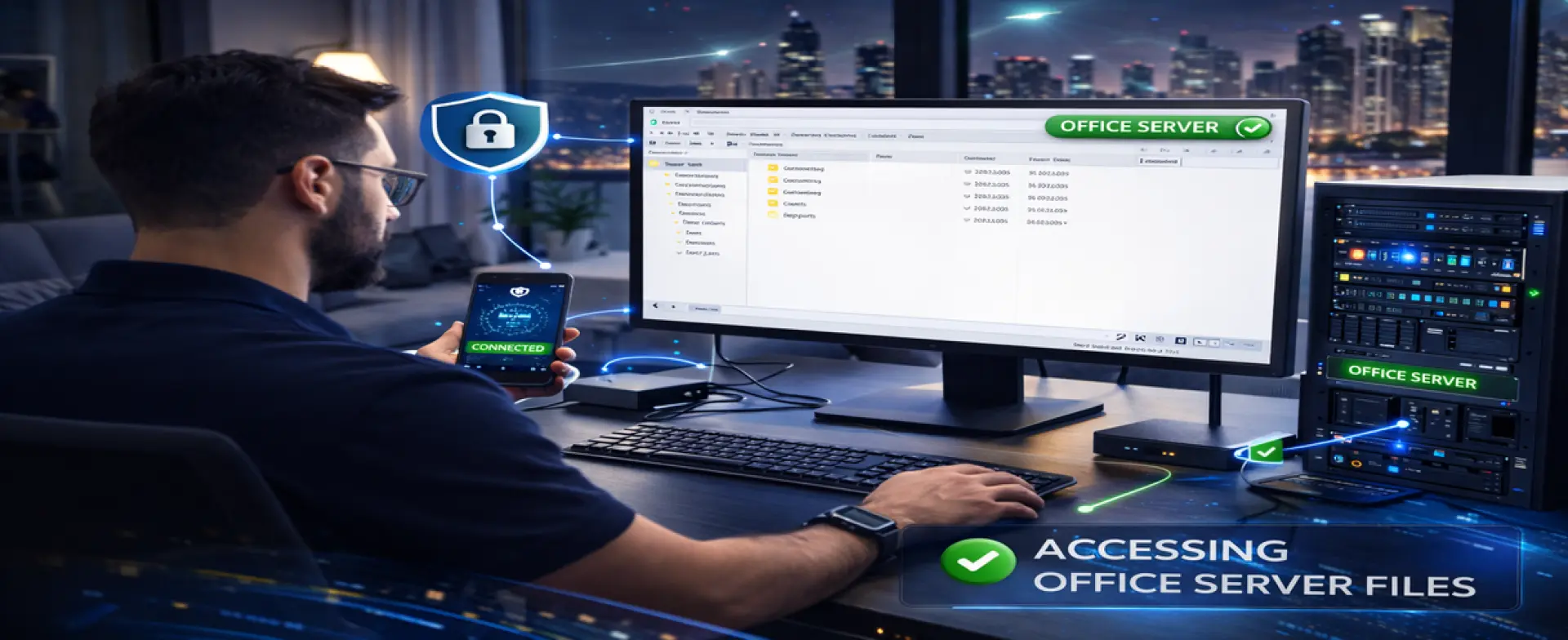
Business VPN Remote Access Setup in Abu Dhabi
Remote work and multi-location operations need secure access to office resources—without exposing business systems to the public internet. A VPN (Virtual Private Network) creates an encrypted connection that allows approved staff to access office files, servers, and internal systems safely from home, on the road, or from another branch.
Skilled Tech Solutions provides Business VPN Remote Access Setup in Abu Dhabi to configure a reliable, business-ready VPN with controlled permissions, strong encryption, and verified testing—so remote access works smoothly without compromising security.
H2: What a Business VPN Does (Simple Explanation)
A business VPN:
• Creates an encrypted “private tunnel” between the user and the office network
• Allows access to internal resources (shared folders, servers, printers, systems) securely
• Controls who can connect and what they can access
• Reduces risk compared to exposing services directly to the internet
A proper VPN setup is not only “connect and browse.” It is designed around access scope, user permissions, stability, and security policies.
Who This Service Is For
This service is ideal for:
• Businesses allowing employees to work from home
• Managers who need access to office files and systems while traveling
• Companies with sensitive data requiring controlled access
• Offices running servers, shared folders, ERP/CRM, or internal tools
• Businesses that want a secure alternative to a remote desktop exposed online
Common Problems We Solve With Proper VPN Setup
• Remote staff cannot access shared folders or internal systems
• Unsecure remote access methods are being used (high risk)
• VPN connects but is slow or disconnects frequently
• Everyone has full access (no access control or separation)
• No clear onboarding steps for new users/devices
• No documentation—so future support becomes difficult
What Access Can Be Included (Based on Your Needs)
Access to Shared Files and Office Resources
• Shared folders/file server access
• Internal IP resources and office applications
• Controlled access by user or department
Access to Servers and Internal Systems
• Windows server resources (as permitted)
• Admin or IT access (restricted)
• Secure access to internal systems and services
Remote Support and IT Admin Use Cases
• Secure access for IT troubleshooting (approved accounts only)
• Controlled administration pathways (not open internet ports)
What’s Included in Our Business VPN Remote Access Setup
Requirements Review & Access Scope Definition
We confirm:
• Who needs VPN access (number of users)
• What they need to access (files, server, apps, specific systems)
• Permission levels (standard users vs admin users)
• Device types (laptops, desktops) and usage patterns
• Security expectations (strong passwords, MFA-ready approach, access rules)
VPN Design & Security Configuration
We implement a secure setup approach, including:
• Encryption and secure authentication settings (best practice)
• Access rules and scope control (who can reach what)
• VPN user structure and onboarding method
• Split access decisions (business-friendly performance approach when applicable)
User Setup, Devices & Access Control
• Create VPN users/profiles (as applicable)
• Configure approved devices and connection method
• Ensure correct permissions (not “full network open to all”)
• Guidance for safe usage and user onboarding steps
Testing & Verification
We verify the VPN works in real conditions:
• Test connection from outside the office network
• Verify access to the required resources (files, server, apps)
• Confirm stability (no random drops) and practical performance checks
Documentation & Handover
You receive:
• VPN connection instructions for staff
• Summary of who has access and what they can reach
• Basic troubleshooting checklist
• Practical recommendations for ongoing security
Business VPN Remote Access Setup Process (Step-by-Step)
Step 1 — Requirements Review & Access Scope
We define users, required resources, permission rules, and business priorities.
Step 2 — VPN Design & Security Settings
We configure a secure VPN with correct encryption, authentication, and access control.
Step 3 — User Setup, Devices & Access Control
We onboard users/devices and ensure permissions are correct and controlled.
Step 4 — Testing, Documentation & Handover
We test from outside the office, verify required access, and then hand over with documentation.
H2: What We Need From You (To Start Fast)
• Office location in Abu Dhabi and network access window
• Internet router/firewall details (current setup)
• List of users who need VPN access
• What resources they must access (shared folders, server, systems)
• Any security requirements (MFA preference, admin restrictions, departments)
Service Coverage in Abu Dhabi
We provide business VPN remote access setup for companies inside Abu Dhabi Emirate. On-site configuration and final testing (if required) are handled within Abu Dhabi.
FAQs — Business VPN Remote Access Setup Abu Dhabi
Is VPN safer than opening remote access ports on the internet?
Yes. A VPN creates an encrypted connection and allows controlled access without exposing internal services publicly.
Can you limit access so that not every user can see everything?
Yes. We define access scope and permissions so users only reach what they need.
H3: Can VPN support multiple users working remotely?
Yes. We configure VPN access for multiple users based on your requirements and capacity.
What if the office network is unstable?
VPN depends on a stable network and proper firewall/router configuration. If we find backbone issues (cabling, switching, Wi-Fi uplinks), we recommend the correct network service to stabilize the environment.
Get Business VPN Remote Access Setup in Abu Dhabi
If your business needs secure remote access for staff without risking your internal systems, contact Skilled Tech Solutions. We provide Business VPN Remote Access Setup in Abu Dhabi with controlled permissions, secure configuration, real testing, and clear handover so remote work stays reliable and safe.