
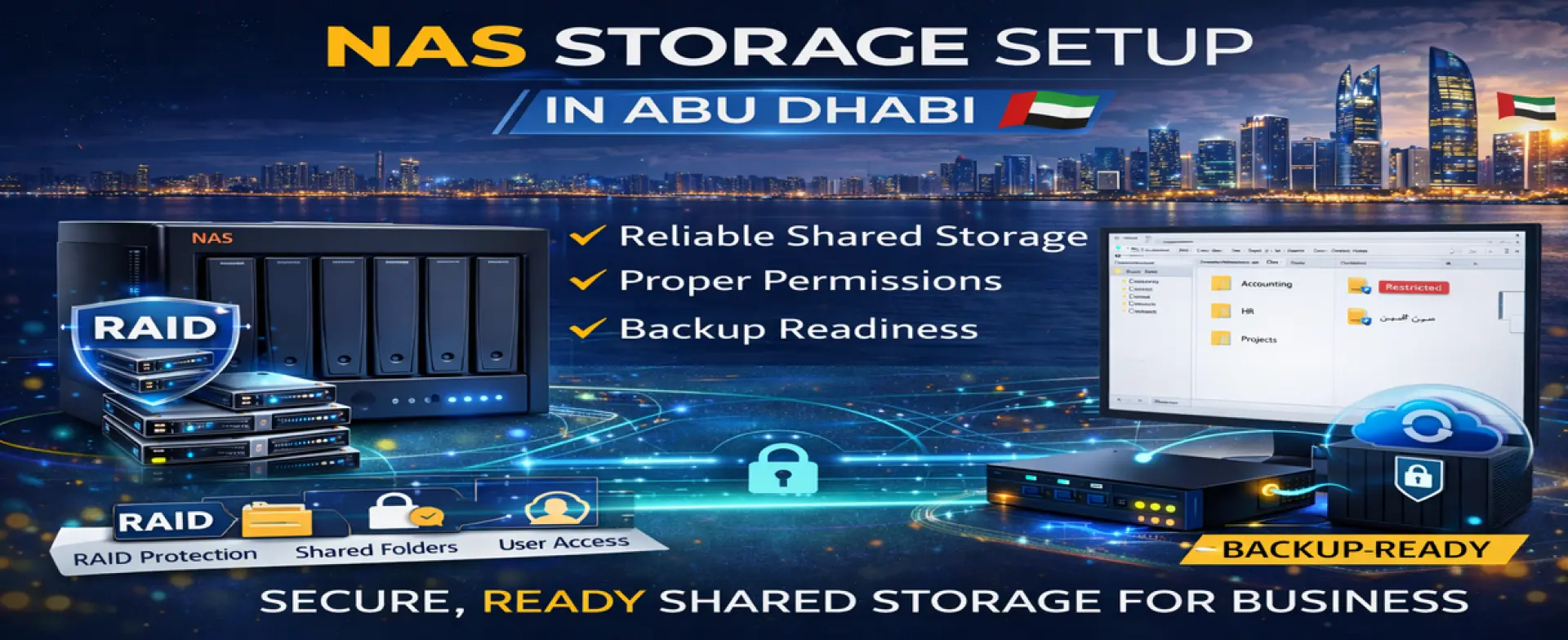
NAS Storage Setup in Abu Dhabi
A NAS (Network Attached Storage) gives businesses a reliable way to store and share files from one central location—so teams can collaborate, access the latest documents, and protect data better than “files scattered across PCs.” But a NAS must be configured correctly to be stable, secure, and fast. Wrong RAID settings, weak permissions, and poor network integration can create slow access, data risk, and daily user complaints.
Skilled Tech Solutions provides NAS Storage Setup in Abu Dhabi to install and configure business-ready shared storage with RAID protection, organized folders, permissions, backup readiness, and full testing before handover.
What a NAS Does for Businesses
A properly configured NAS can provide:
• Central shared storage for office files and departments
• Controlled permissions (who can access what)
• RAID protection to reduce the risk of single-disk failure
• Faster collaboration with shared folders and consistent access
• A platform for backups (PC backups/server backups depending on plan)
• Better organization and growth compared to using personal hard drives
Who This Service Is For
This service is ideal for:
• Offices that need shared folders for Finance/HR/Projects/Operations
• Companies moving from “USB/hard drive sharing” to organized storage
• Businesses with multiple users accessing the same files daily
• Teams that need controlled access and an audit-friendly organization
• Offices that want a stable base for backups and data protection
Common Problems We Prevent with Proper NAS Setup
• NAS is installed, but users cannot consistently access it.
• Everyone has full access (no permissions control)
• Slow file access because of weak network integration
• RAID is configured incorrectly (data risk)
• No backup strategy (NAS is not a backup by itself)
• Storage fills up unexpectedly with no folder structure or control
• No documentation—support becomes difficult later
What We Configure in NAS Setup
NAS Installation + RAID Configuration
• Initial NAS setup and system configuration
• RAID planning and configuration based on your needs (capacity vs protection)
• Storage volumes and basic health settings
Network Integration (Stable Access)
• Correct IP/network setup for stable access
• Integration with your switch/router environment
• Performance-safe configuration for office usage
Shared Folders & Permissions (Key Business Requirement)
• Folder structure by department or workflow
• User/group permissions so only authorized staff can access sensitive data
• Optional mapped drives setup guidance for office PCs
Backup Readiness & Data Protection Guidance
A NAS improves storage, but backup is a separate layer. We help by:
• Setting a backup approach for NAS data (external drive/NAS-to-cloud/NAS-to-NAS if applicable)
• Basic retention/versioning recommendations
• Practical recovery guidance (what to restore, how, and priorities)
Secure Remote Access (Optional / If Requested)
If you need remote access, we can configure a safe approach (based on your environment) rather than exposing storage openly online. (Often best handled via VPN service for business security.)
What’s Included in Our NAS Storage Setup Service
Storage Requirements & NAS Planning
We confirm:
• Number of users and departments
• Expected storage size and growth
• Access type (office LAN only vs remote access requirement)
• Data sensitivity and permissions requirements
• Backup goal (basic copy vs disaster recovery readiness)
NAS Installation, RAID & Network Setup
• Install and configure the NAS base system
• Configure RAID and storage volumes
• Set stable network configuration for reliable access
Shared Folders, Permissions & Backup Configuration
• Create shared folders and structure
• Configure permissions by user/group
• Configure backup approach (based on agreed plan)
• Verify access and permissions behave correctly
Testing, Optimization & Handover
We test:
• File access from required PCs/users
• Read/write performance checks (practical office-level testing)
• Permission verification (sensitive folders protected)
• Backup job verification (if configured)
You receive:
• Folder/permissions summary
• NAS access instructions for users
• Backup notes and basic recovery steps
• Quick guidance for expansion and best practices
NAS Storage Setup Process (Step-by-Step)
Step 1 — Storage Requirements & NAS Planning
We define scope: users, folders, permissions, capacity, and backup goals.
Step 2 — NAS Installation, RAID & Network Setup
We install the NAS, configure RAID, and integrate it properly with the network.
Step 3 — Shared Folders, Permissions & Backup Configuration
We build folder structure, set permissions, and configure backup readiness.
Step 4 — Testing, Optimization & Handover
We test access and performance, verify permissions, and hand over with documentation.
What We Need From You (To Start Fast)
• Office location in Abu Dhabi and access time
• NAS model + number/type of disks
• Number of users and department list (for permissions)
• Preferred folder structure (or we can recommend one)
• Backup preference (external drive/cloud / second NAS)
• Any remote access requirement (yes/no)
Service Coverage in Abu Dhabi
We provide NAS Storage Setup for businesses inside Abu Dhabi Emirate. On-site setup, configuration, and testing are handled within Abu Dhabi.
FAQs — NAS Storage Setup Abu Dhabi
Is NAS the same as backup?
No. NAS is shared storage. Backup is an additional layer. We can configure a backup plan for NAS data, allowing you to recover in the event of an issue.
Can you set permissions so departments can’t see each other’s files?
Yes. We set user/group permissions so that sensitive folders (e.g., Finance HR,/etc) are restricted.
Will NAS be fast enough for multiple users?
Yes, if configured correctly and connected to a stable network. We optimize setup and verify performance for real office usage.
H3: Can you enable remote access to the NAS?
Yes, but it must be done safely. For business security, remote access is usually best through a VPN service rather than exposing the NAS directly online.
Get NAS Storage Setup in Abu Dhabi
If your business needs reliable shared storage with proper permissions and data protection readiness, contact Skilled Tech Solutions. We provide NAS Storage Setup in Abu Dhabi with RAID configuration, secure folder structure, backup planning, full testing, and clean handover for stable daily operations.