
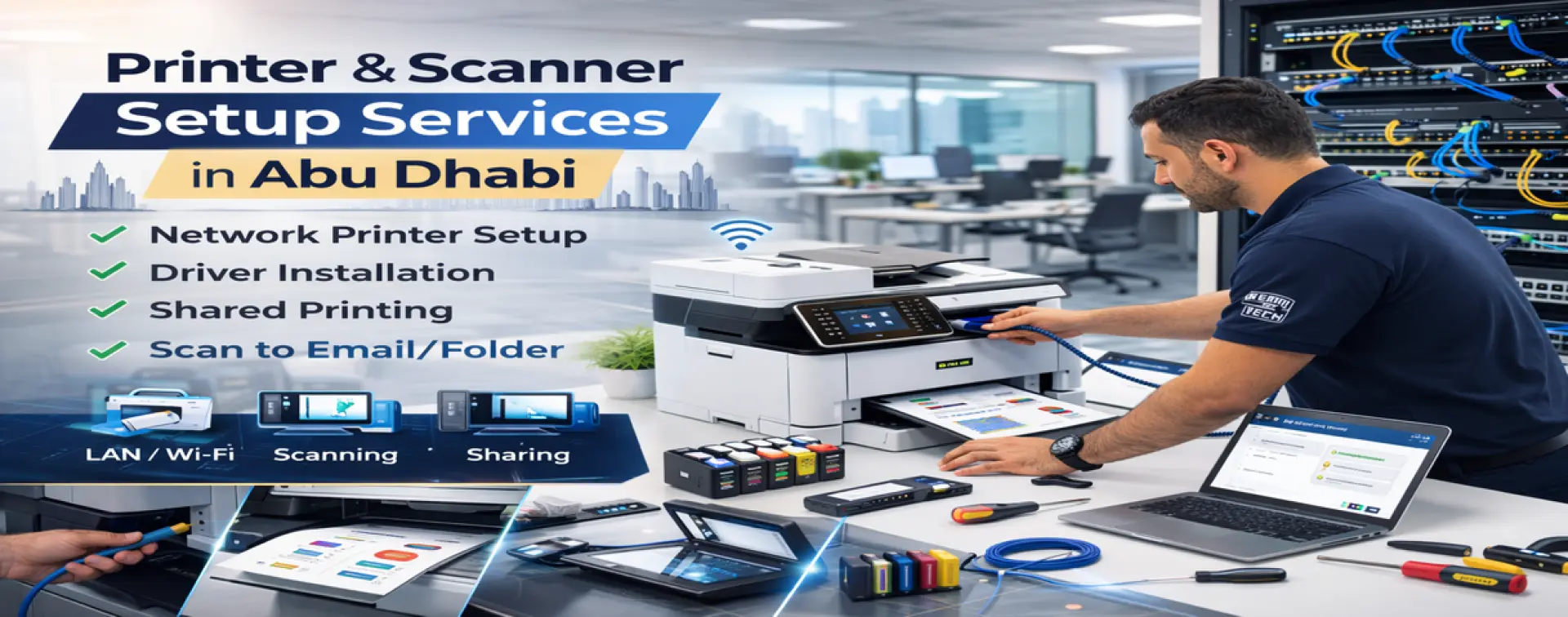
Printer and Scanner Setup in Abu Dhabi
Office printing problems waste time every day: printers disconnect, printing works on one PC only, scan features don’t work, and users keep re-installing drivers without a stable fix. Skilled Tech Solutions provides Printer & Scanner Setup in Abu Dhabi to install, configure, and stabilize office printers and scanners with correct drivers, network settings, sharing, and full testing.
This service is ideal for offices that need a shared printer for multiple users, new printer installation, scanner configuration (scan-to-email / scan-to-folder), or troubleshooting recurring printing and scanning issues.
What “Professional Printer Setup” Means
Printer setup is not just plugging the device in. A business-ready setup ensures:
• Correct printer connection (network / Wi-Fi / USB) and stable communication
• Proper driver installation (compatible and reliable)
• Shared printer access for all required PCs/users
• Correct default settings (paper size, trays, duplex, quality)
• Scanner setup and destination configuration (where applicable)
• Verified tests: print + scan + multi-user access
The goal is to stop daily printing interruptions and make the device predictable for office workflows.
Why Offices in Abu Dhabi Face Printer Issues
Most printing problems come from common causes:
• Wrong driver or multiple conflicting drivers installed
• Printer IP changes (DHCP), causing “offline” status
• Poor network connection or weak Wi-Fi to the printer
• Incorrect sharing configuration (only one PC can print)
• Scan settings not configured (email credentials, folder permissions)
• Print queue errors and stuck jobs
• Outdated settings after PC updates or office moves
A correct setup helps you achieve:
• Printing works on all required computers (not just one)
• Fewer disconnections and “offline printer” errors
• Faster printing with correct configuration
• Scanning works as intended (email/folder/PC)
• Easier troubleshooting and smoother daily operations
Common Printer & Scanner Requests We Handle
H3: Network Printer Setup (Recommended for Offices)
• Assigning stable network connection settings
• Connecting multiple PCs to one shared device
• Improving reliability compared to “random USB moves”
Shared Printer for Multiple Users
• Sharing setup for office team usage
• Correct permissions and access (where applicable)
• Fixing “works on one PC only” issues
Driver Installation & Compatibility Fix
• Correct driver installation for Windows/macOS (as needed)
• Removing conflicting old drivers and re-setup cleanly
• Setting correct defaults (A4, duplex, trays)
Scanner Setup (If Supported by the Device)
• Scan-to-email setup (where device supports it)
• Scan-to-folder (shared folder destination)
• Scan-to-PC setup and basic usage guidance
Printing Troubleshooting & Queue Fixes
• Stuck print jobs and spooler/queue cleanup
• Offline/online issues and reconnect fixes
• Repeated errors after updates or network changes
If the root cause is cabling problems, unstable switch ports, or weak Wi-Fi infrastructure, we escalate to network services inside Abu Dhabi.
What’s Included in Our Printer & Scanner Setup Service
Printer Assessment & Connection Method
We confirm:
• Printer model and required functions (print/scan/duplex)
• Connection method (LAN/Wi-Fi/USB) and best practice for your office
• Number of users/PCs that need access
• Existing network environment and printer location
Clean Driver Installation & Setup
• Install the correct stable driver
• Remove conflicting drivers where needed
• Configure default printing preferences (paper size, trays, duplex, quality)
Multi-User Access (Shared Printing)
• Connect required PCs to the printer
• Configure sharing approach depending on office setup
• Verify each user can print successfully
Scanner Configuration (When Applicable)
• Configure scan destinations (email/folder/PC)
• Verify a real scan test
• Provide quick guidance for staff usage
Testing & Handover
We deliver verified results:
• Print test from required PCs
• Scan test (if scanner is included)
• Stability check (offline prevention steps)
Printer & Scanner Setup Process (Step-by-Step)
Step 1 — Printer Assessment & Connection Check
We identify the best connection method and confirm network visibility and stability.
Step 2 — Driver Installation & Network/USB Setup
We install the correct drivers and set up the device properly on the network or via USB.
Step 3 — Sharing, Scan Setup & User Access
We configure shared access and scanning options, and ensure users can access the device.
Step 4 — Testing, Fixes & Handover
We test printing/scanning, fix any remaining errors, and hand over with quick guidance.
What We Need From You (To Finish Faster)
• Printer model and whether a scan is required
• How many PCs/users need access
• Wi-Fi details (if printer is wireless) or LAN point availability
• Desired scan method (scan-to-email or scan-to-folder)
• If scan-to-email: mailbox credentials / SMTP method (as applicable)
Service Coverage in Abu Dhabi Only
We provide Printer & Scanner Setup for businesses inside Abu Dhabi Emirate. On-site assistance and follow-up adjustments are handled within Abu Dhabi.
FAQs — Printer & Scanner Setup Abu Dhabi
Why does the printer work on one PC only?
Usually due to incorrect sharing setup, driver conflicts, or network/IP changes. We configure stable access for all required PCs.
Can you set up scan-to-email and scan-to-folder?
Yes—if the printer model supports these features. We configure and test real scanning.
Do you fix “printer offline” issues?
Yes. We address IP stability, connection method, and driver setup to reduce offline errors.
Is network printing better than USB?
For offices, network printing is usually more stable and easier for multiple users—especially when configured correctly.
What if the issue is with the network, not the printer?
If the printer is fine but the network is unstable (cabling/switch/Wi-Fi), we identify it and recommend the correct network service in Abu Dhabi.
Get Printer & Scanner Setup in Abu Dhabi
If your office needs reliable printing and scanning without daily interruptions, contact Skilled Tech Solutions. We provide Printer & Scanner Setup in Abu Dhabi with clean driver installation, shared access, scanner configuration, and full testing for stable business operations.